
Choose with facts
Review file size, resolution and frame rate. Smart Select helps find matching videos you have added.
For iPhone & iPad
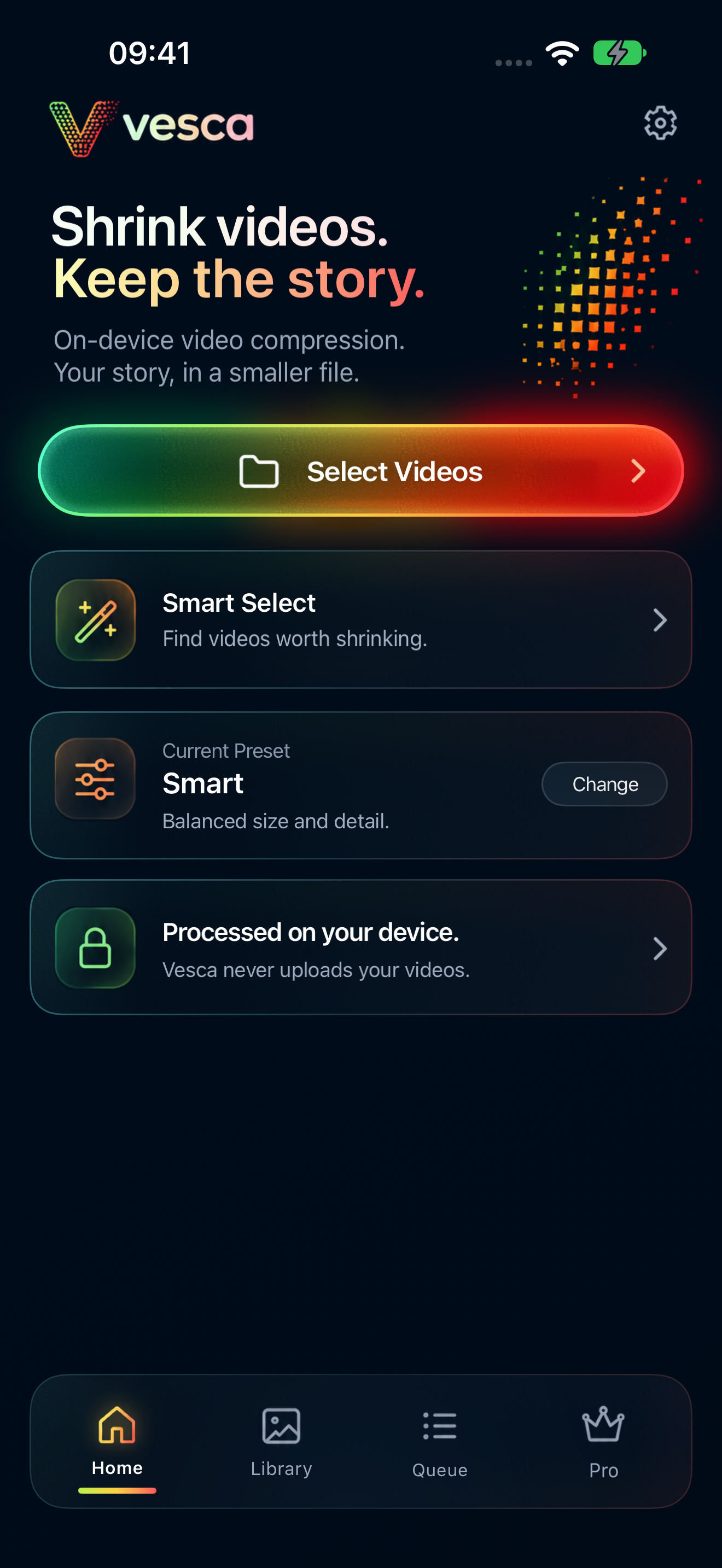
On-device video compression. Choose your settings, see the trade-off, and make room for what comes next.
Coming soon on the App Store · iOS 18 or later

Decide with a preview
Create a real sample with your chosen settings. Compare it with the source before processing the full video.
4K · 60 fps · H.264
3840 × 2160
1080p · 30 fps · HEVC
Illustrative estimate
Example preview. Final size varies. A compressed copy can also be the same size or larger.
Your video. Your decision.
Review file size, resolution and frame rate. Smart Select helps find matching videos you have added.
Encode a 5- or 10-second sample, then compare source and output. Refresh the preview when your settings change.
Compression creates a separate copy. Saving the result does not replace your source video.
Video compression and watermark rendering run on your device. A selected iCloud Photos original may need to download first.
A clear path from source to save
Choose the videos you want to work on. Review the source details before you begin.
Pick a preset, or use Pro to adjust resolution, frame rate and bitrate for your video.
Compare an encoded sample, process your video, then save a completed copy to Photos or share it.
Vesca Pro
Fine-tune your workflow with reusable settings and your own watermark.
App availabilityQueue several videos together with shared or individual settings.
Set resolution, frame rate and bitrate. Save a preset to use again.
Add your own text or still PNG logo, adjust its placement, or choose no watermark.
US$2.99 per month
Auto-renewing. No free trial.
US$14.99 per year
Planned 7-day free trial for Apple-eligible subscribers, then auto-renewing yearly.
US$29.99 one-time
No renewal. No free trial.
Planned US pricing for launch; these offers are not claimed to be live or configured. Actual localized price, currency, availability and trial eligibility are shown by Apple in the app before purchase. Only Yearly has a planned 7-day trial. Preview and comparison are available without Pro. Free output includes the VESCA watermark. See purchase and subscription details.
Compression runs on your device. Vesca does not upload video contents to a Vesca server in the current app. iCloud originals download first, and Apple Photos syncing and backups follow your device settings. Sharing a result sends it to the destination you choose.
Encoding and saving create a separate copy and keep your original unchanged. The app also offers a separate Delete Original action; it requires explicit confirmation. You do not need to delete the original to compress a video.
Yes. Create a 5- or 10-second encoded sample and compare it with the source. The sample reflects the chosen settings; its file-size estimate is not a guarantee of the full output size.
No. Output size depends on the source and settings, and can be the same size or larger. Check the preview and the completed file details. Vesca asks before saving a larger result.
Vesca is built for iPhone and iPad running iOS or iPadOS 18 or later. Output uses H.264 or HEVC, subject to source compatibility. Some HDR formats and complex media are unsupported; review the message shown for your video.
The planned Yearly offer includes a 7-day free trial only when Apple confirms you are eligible. If offered and accepted, it renews into the paid Yearly subscription unless cancelled. Check Apple’s purchase sheet for your localized terms before confirming. Monthly and Lifetime have no planned free trial.
Vesca is preparing for its App Store release and is not publicly available yet. The download link will appear here after public availability is confirmed.
Coming soon
Vesca for iPhone and iPad is preparing for the App Store. Check back here for the public download link.
Explore the help guideSmaller file. Same story.